Know what comes next.
Sunrise, solar noon, sunset and the different stages of twilight, in the order you live them.

The Sun keeps
its own time.
Track the Sun’s position, golden hour and blue hour, then read the day in solar time.
Available on the App Store.
01 / THE CHANGING DAY
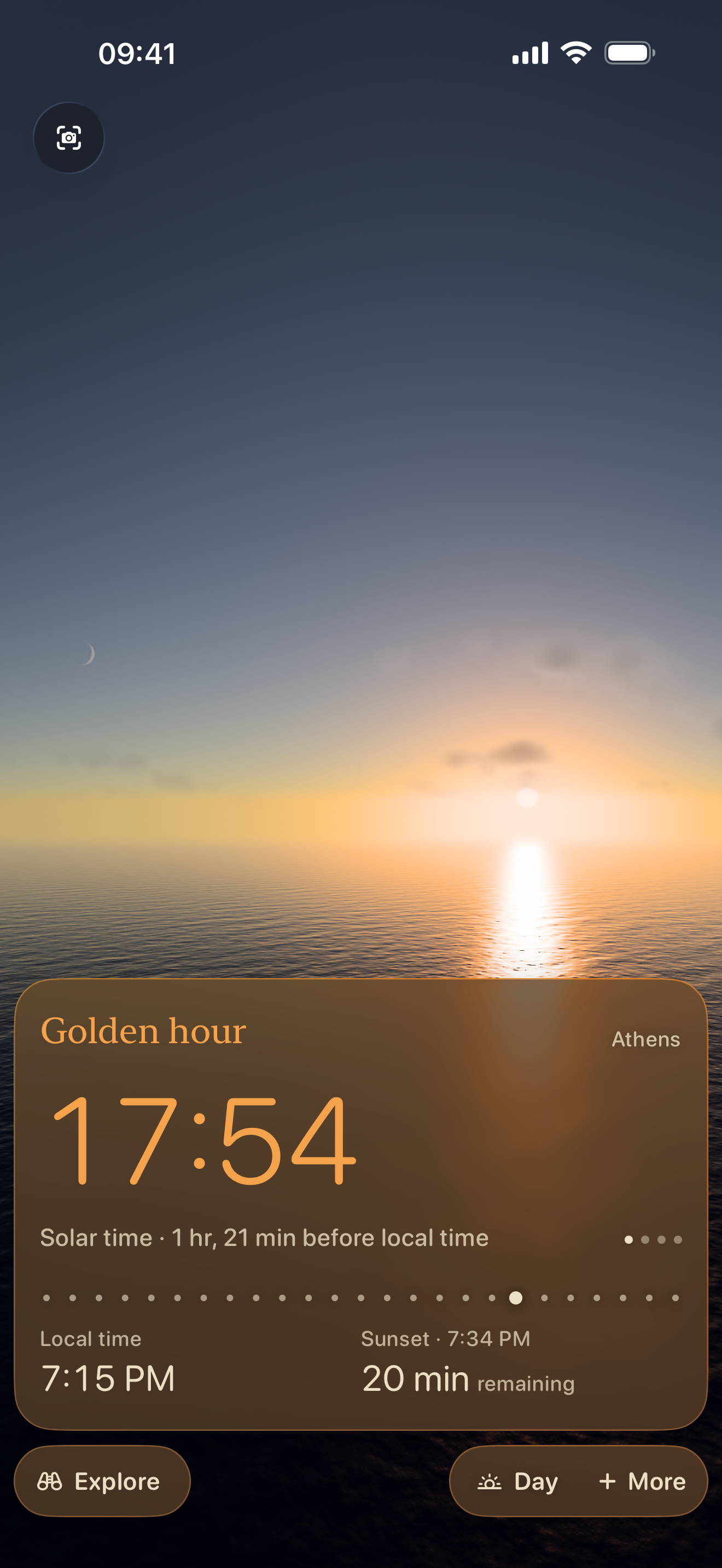
A walk before sunset. A photo in golden hour. See when the light changes, then make room for it.
This captured sky could not load. Refresh to try again.
02 / CURRENT APP CAPTURE
Follow the changing light and see Solar Time beside the local clock.
Sunrise, solar noon, sunset and the different stages of twilight, in the order you live them.
Set a reminder for golden hour or sunset. Choose how early to be notified and which days to include.
Choose a place and a date. Explore the Sun’s daily path and how its position changes through the year.
02 / WAYS OF TIME
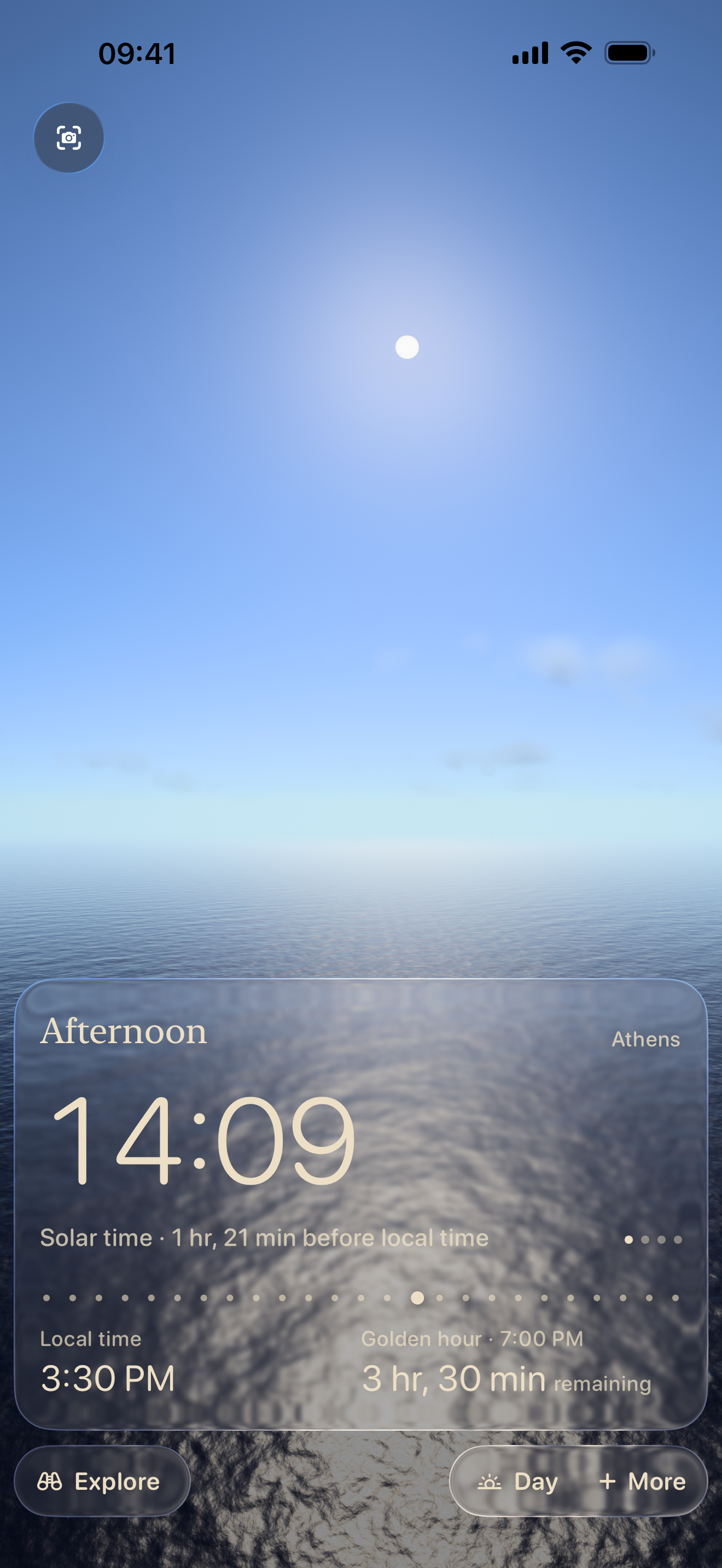
Your familiar clock is one way to read the day. SOLAR lets you discover three more.
On the solar clock, 12:00 is the moment the Sun crosses your local meridian. The same noon may have a different name on your ordinary clock.
Read about solar timeIN THE APP Switching clocks changes the reading, not the sky.
This app view could not load. Refresh to try again.
03 / AFTER DARK
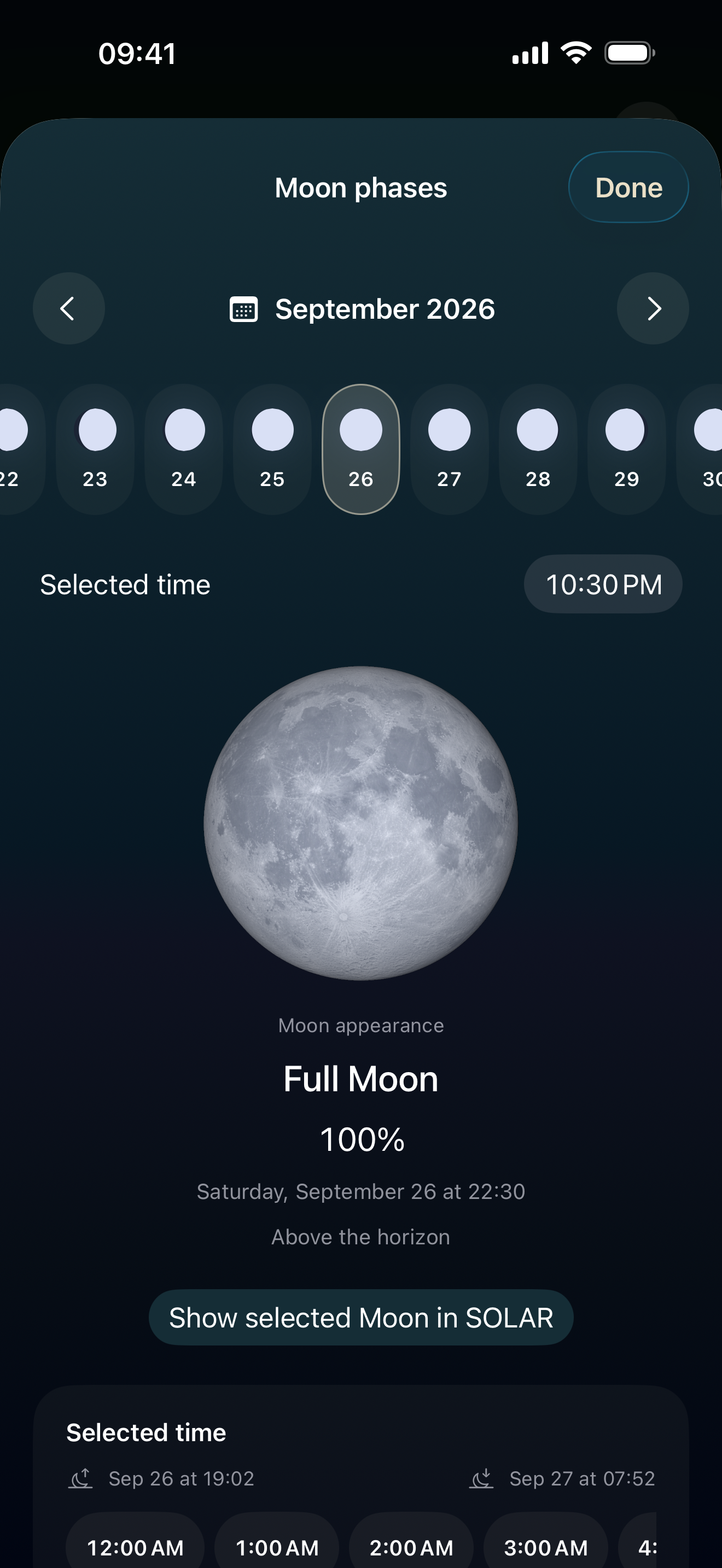
Find its next rise and set. See its phase, move through the lunar calendar, and return a selected moment to the sky.
Night does not arrive all at once.
Explore the twilight between sunset and darkness.
04 / A CLOSER LOOK
Reveal the Sun’s path across the sky. Then see how the same hour traces a different position as the year unfolds.
Sunrise, sunset and twilight in their real order.
Discover the curve called an analemma.
IN AR
Hold up your iPhone and follow the Sun and Moon across the whole sky. The light score is the share of the year’s direct sun that reaches your spot under a clear sky.
See where the shadow of an object falls, from the Sun’s calculated position.
Point at a landmark to find when the Sun or the Moon lines up with it.
AR needs a compatible iPhone, camera access and location permission. The light score assumes a clear sky; it is not a weather forecast.
These are app screenshots, not live calculations for your location. AR is a separate view on supported iPhones.
05 / FROM SOLAR LEARN
Why is noon not always at twelve? Can an hour grow longer? Start with something you can see.
Explore the Learn library06 / A SMALLER WINDOW
Solar time, seasonal hours, or the time you already know.
A few ways to carry the day on Apple Watch.
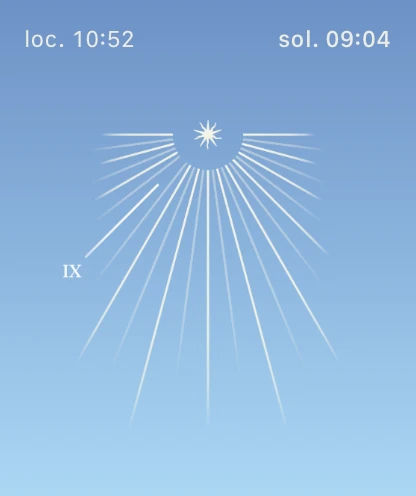
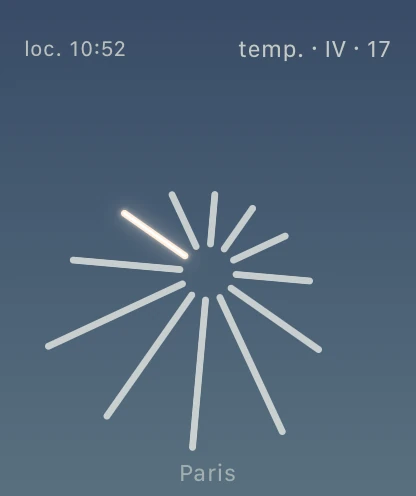
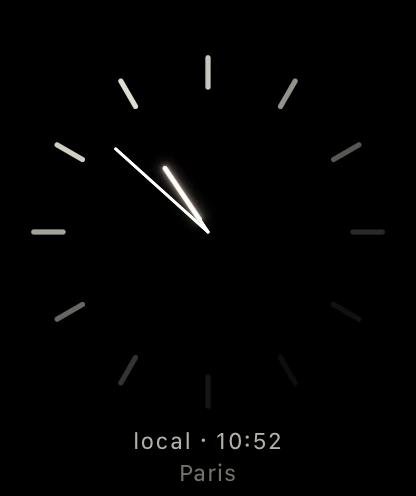
Experimental Apple Watch previews captured in Simulator. Final Watch availability will be listed with the App Store release.
07 / A LITTLE SKY READING
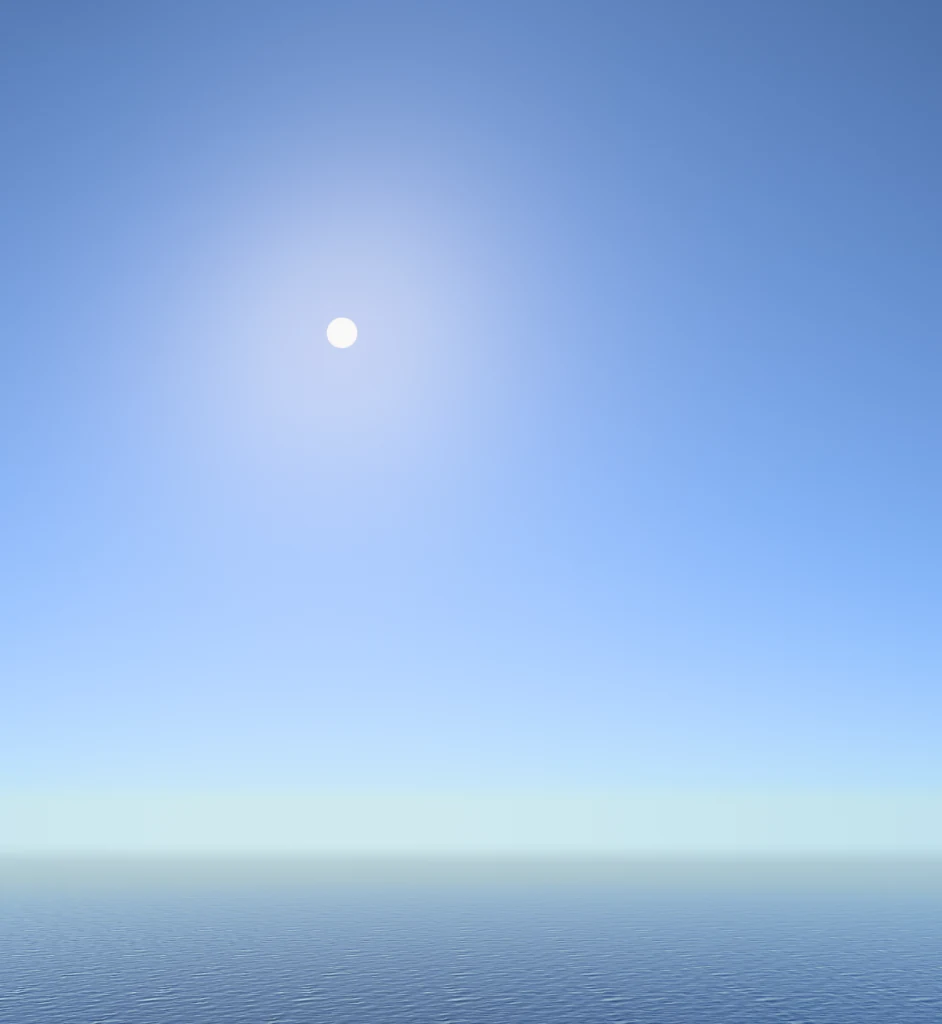
Three moments in Honolulu. Read the light, make a guess, then see what the clock says.
No timer. No account. Just a closer look.
This captured sky could not load. Refresh to try again.
HONOLULU · SEPTEMBER 25, 202601 / 03MorningYOUR GUESS · LOCAL TIME
Use the Sun’s height and the morning or afternoon cue. An image alone cannot give an exact time.
THE CAPTURED MOMENT
THREE MOMENTS, ONE DAY
In SOLAR, move through the hours and watch the light change at your own pace.
A FEW DETAILS
Local Time follows the selected place’s time zone. Solar Time follows the apparent Sun at that place. Its 12:00 marks the Sun’s passage across the local meridian.
The app calculates celestial positions for your selected place and time. The illustrated sky, clouds and sea are visualizations, not a camera feed or a promise of local weather. AR is a separate mode on supported iPhones.
Yes. Choose a place and date in the app to explore its solar day. The screenshots here use recorded views from Honolulu and Paris; they do not read your location.
SOLAR is designed without an account or advertising. Core solar calculations run on the device. Place search and optional weather features use external services, as explained in the privacy policy.
Open the App Store listing to download SOLAR and see supported devices, pricing and the latest version.
SOLAR: SUN TRACKER & TIME
For the light before a walk.
For the Moon on your way home.
For the hours you never knew.
Download SOLAR, then see supported devices, pricing and the latest version on the App Store.